



Lisa Allan-Downie, Marketing Director at Elite Dynamics
If you’d asked me a year ago what my work setup looked like, I’d have said: Apple.
MacBook Pro for design, iPhone glued to my hand, iPad for notes, Apple Watch for everything in between. I was running my own business, living in Google Drive and I thought I’d cracked my perfect workflow.
Then I joined Elite Dynamics and was handed a Windows laptop running Microsoft 365. That’s when my journey switching from Apple to Microsoft 365 began.
Day One: Lost in Translation
I’ll be honest: that first morning was chaos. Outlook? Teams? SharePoint? I didn’t even know how to take a screenshot (apparently it’s a ‘snip’). Every shortcut I’d learned over the years was suddenly useless.
Here’s the truth: it wasn’t a wall I’d hit, it was a door I’d just opened into the Microsoft ecosystem.
Finding Flow with Planner and Loop
A few weeks in, I needed to track the marketing team’s workload and share it with the leadership team.
Old me? Build an Excel tracker, email it around, and hope nobody overwrote it.
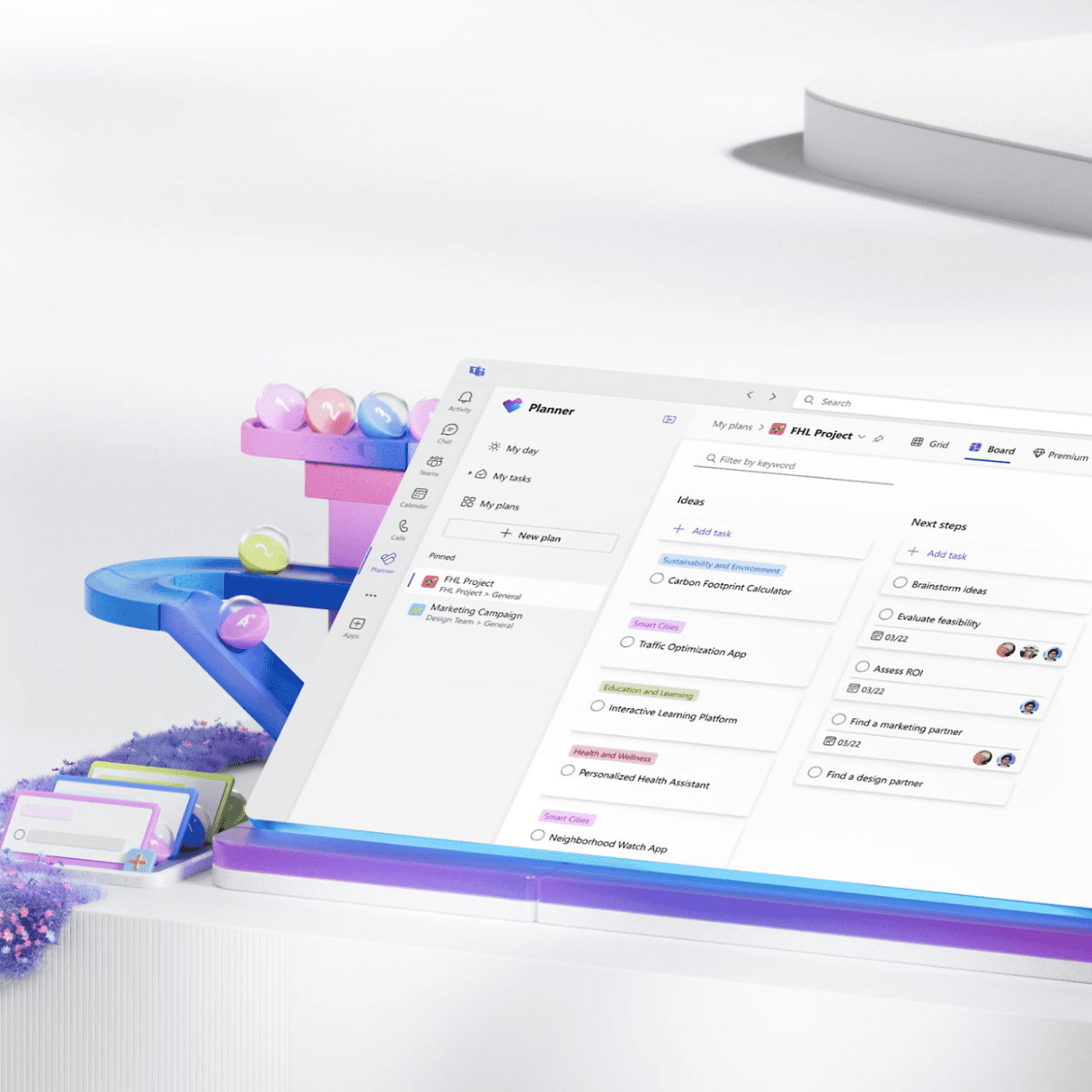
Microsoft me? I set up Microsoft Planner, connected it to Loop, and suddenly every task, deadline, and update was live and visible to everyone who needed it.
No version issues, no chasing people for progress, just one connected, living plan inside Microsoft 365.
That was the first time I thought: Oh… this is different.
Microsoft Co-Pilot: My New Work Bestie
Microsoft Co-Pilot quickly became my not-so-secret weapon. It summarises meetings, pulls out action points, and drops them straight into Planner.
I’ve even trained it to write in my tone of voice, so when it’s creating content or emails, it sounds like me, not a robot.
What used to take half a day now takes an hour. The quality’s the same, but I get more time for the important stuff: strategy, creativity and leadership. The work that actually moves us forward.
One Connected Microsoft 365 Environment
The magic of Microsoft 365 isn’t just the individual tools — it’s how they work together.
Start in a Teams meeting, capture the transcript in Loop, turn actions into Planner tasks, and track progress in real time.
It’s a single, joined-up workspace that keeps projects moving and people connected. Once you’ve worked like that, there’s no going back.
Why It’s “Yes” to Microsoft for Me
When I think about where I started — squinting at my new laptop, trying to figure out the basics — and where I am now, the difference is huge.
This isn’t about losing the tech I used before. It’s about gaining something bigger: speed, visibility, collaboration, and a platform that just works the way we work.
So yes, I started with more Apples than a greengrocer. But now?
It’s Microsoft 365 all the way.
If you’re wondering what the shift could look like for you, take our free Microsoft Health Check.